Fast File Transfer
Fast File Transfer is a Windows desktop app that sends files and folders directly between two computers over a TCP connection, with live progress tracking and a checksum check at the end.
- Windows
Screenshots
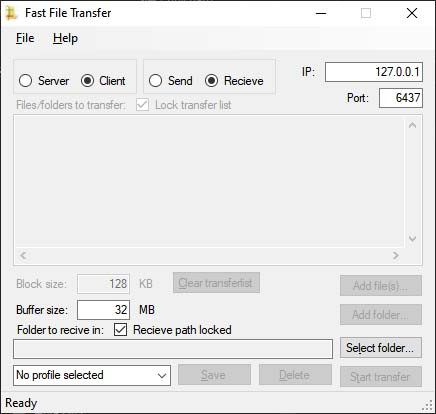
Dossier
Fast File Transfer is a small, free Windows program for copying files between two computers on the same network. You don’t need a shared drive, a USB stick or a cloud account, and nothing has to be uploaded first. You connect the two computers directly and start sending.
Features
- Send whole folders. Add individual files or entire folders. Subfolders are included automatically, and the folder structure is rebuilt the same way on the other computer.
- Built for speed. Fast File Transfer reads, sends and writes data at the same time to get the most out of your network and disks. Advanced users can adjust the block and buffer sizes to tune performance.
- See exactly what’s happening. A progress window shows the current file, how much is done overall and the transfer speed.
- Checks your files arrived intact. When a transfer finishes, both computers compare a checksum of the data. You’re told whether everything matches, so you know the copy is good.
- Save your setups. Store the connections you use often as profiles and load them with one click.
- Lock your settings. Lock the file list or the destination folder so they don’t change by accident between transfers.
Written together with Johan Rydh.
More from this sector
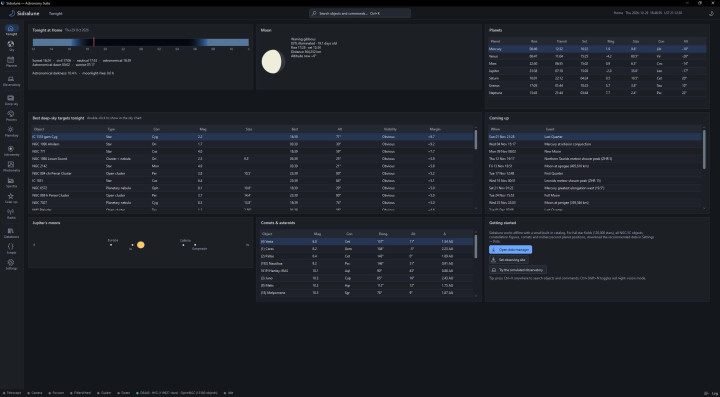
Sidralune
Sidralune is a free astronomy suite for Windows. It brings planning, telescope control, image capture, image processing and amateur science together in one dark-themed desktop application.
- Windows
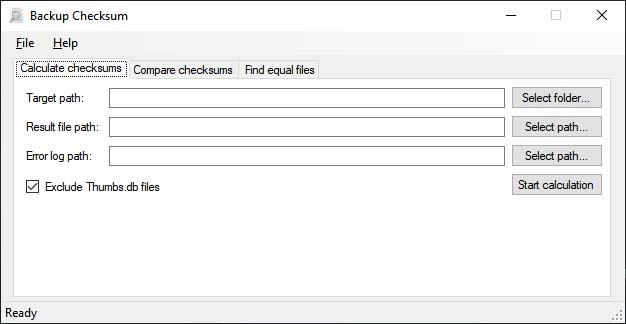
Backup Checksum
A fast Windows tool that checksums your files, so you can check backups, compare snapshots and find duplicate files.
- Windows
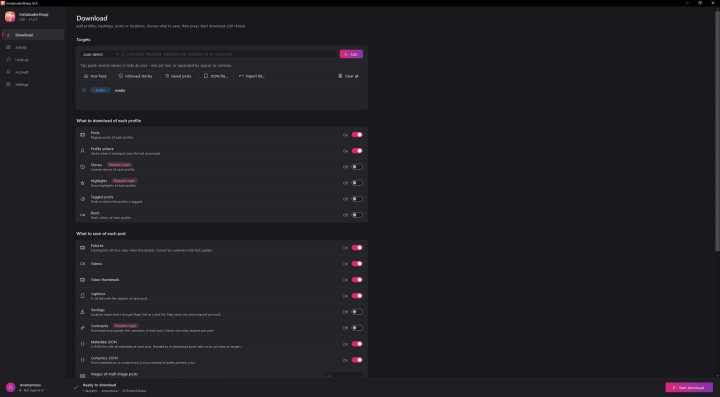
InstaloaderSharp GUI
Downloads pictures and videos along with their captions and other metadata from Instagram: whole profiles, single posts, hashtags, locations, your feed, your saved posts, stories and highlights. It does this without a command line.
- Windows